Free in v2
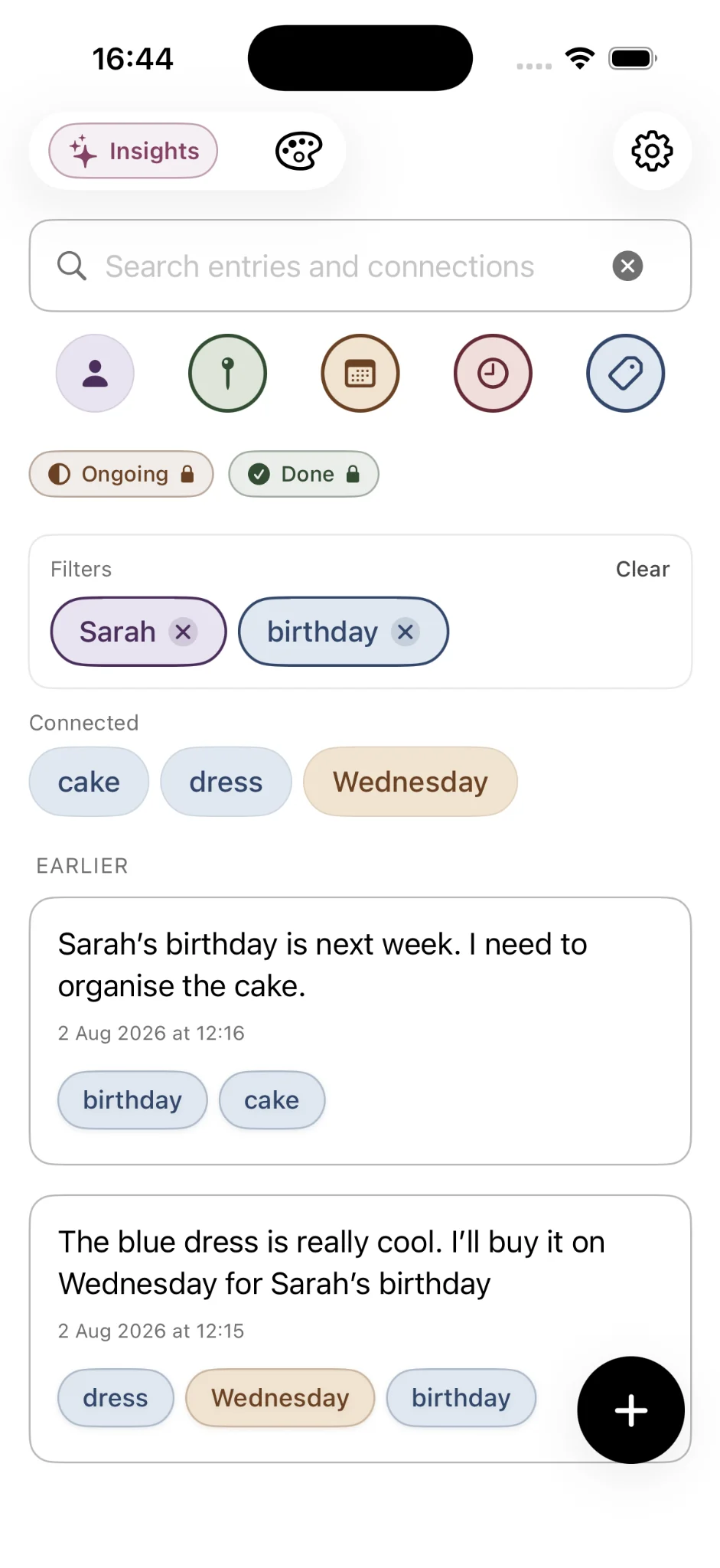
- Home-screen filters for people, places, dates, times and topics
- Connected terms and combined filters
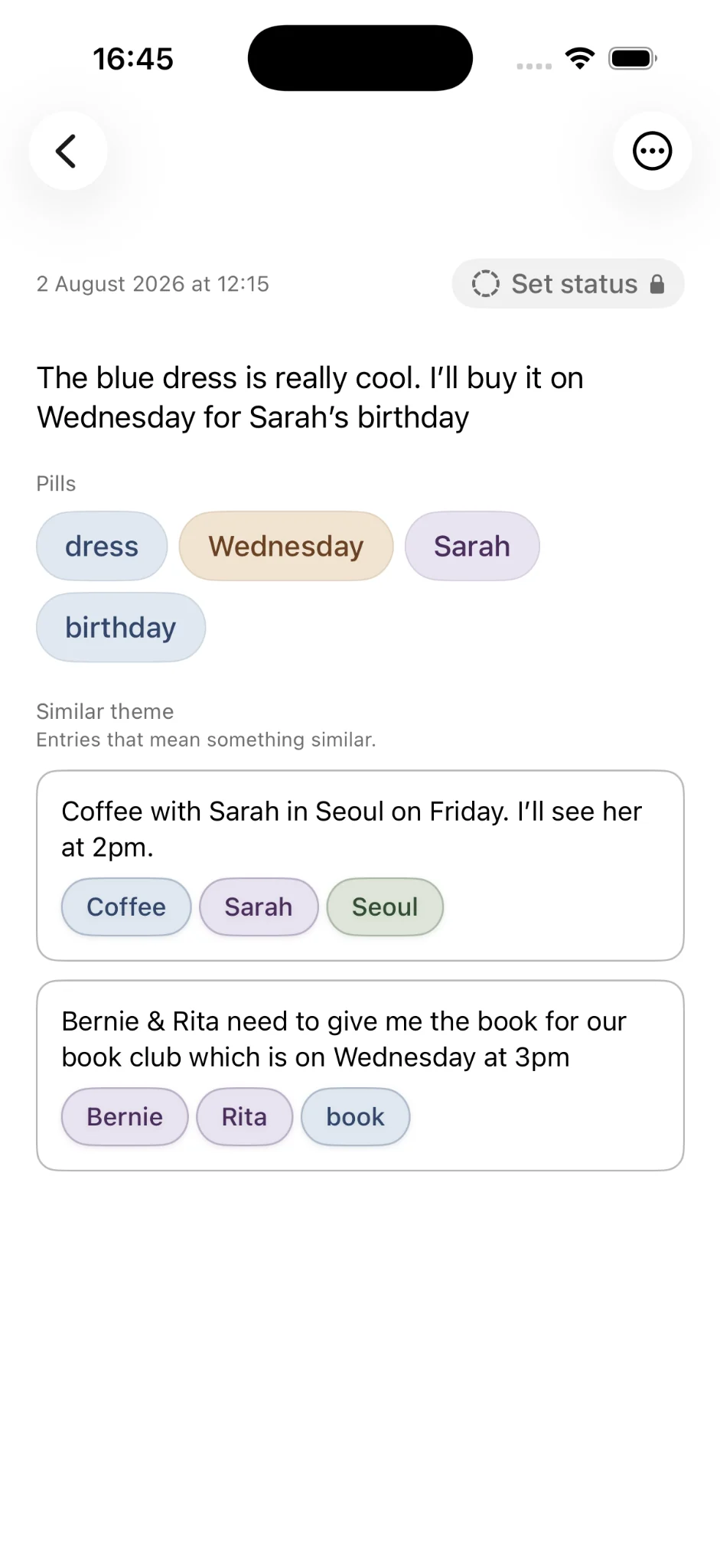
- Related entries based on similar meaning
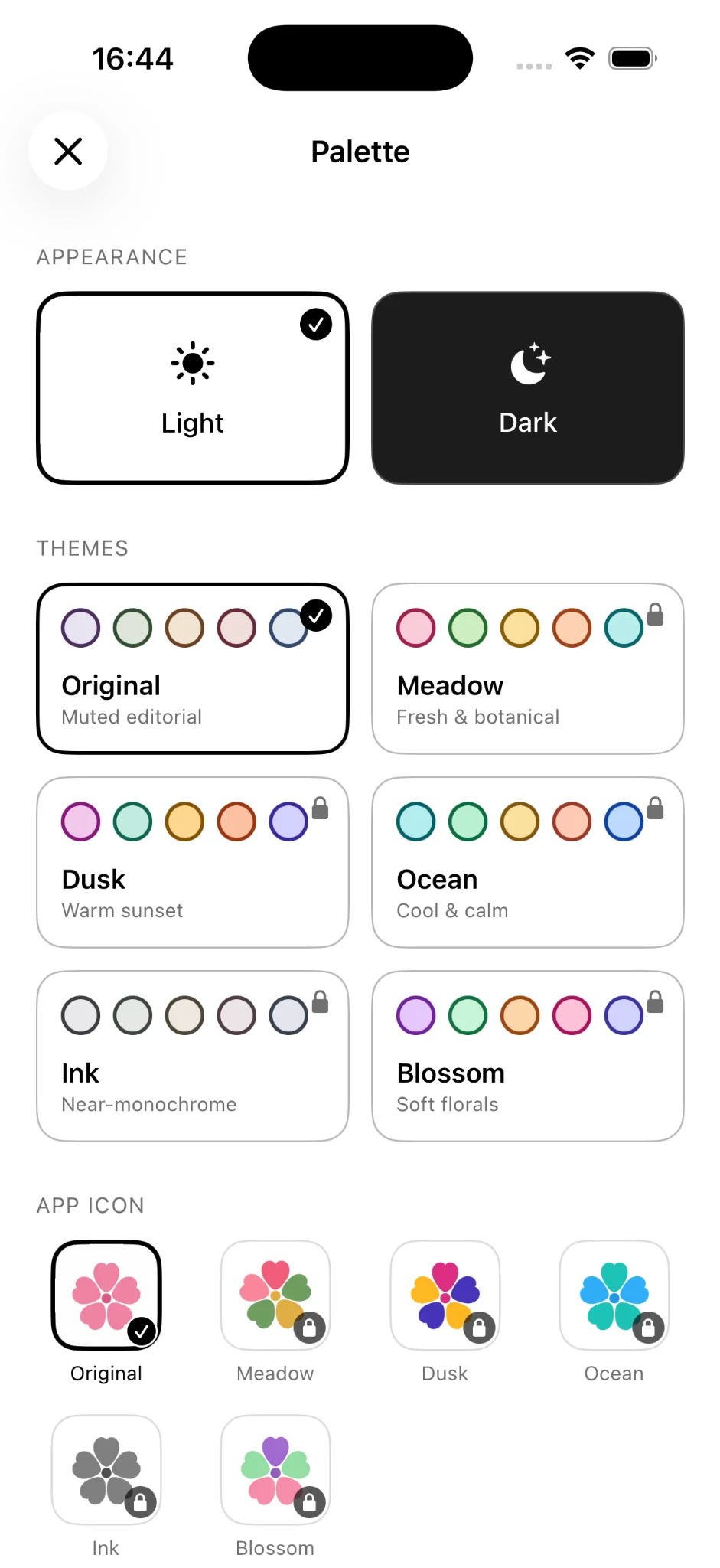
- Light and dark mode
Released October 2026
Onuri v2 makes your writing easier to explore, adds more ways to personalise the app, and expands Premium with statuses and deeper Insights.
 On your computer?Scan with your iPhoneBack to Onuri
Onuri v2 in action
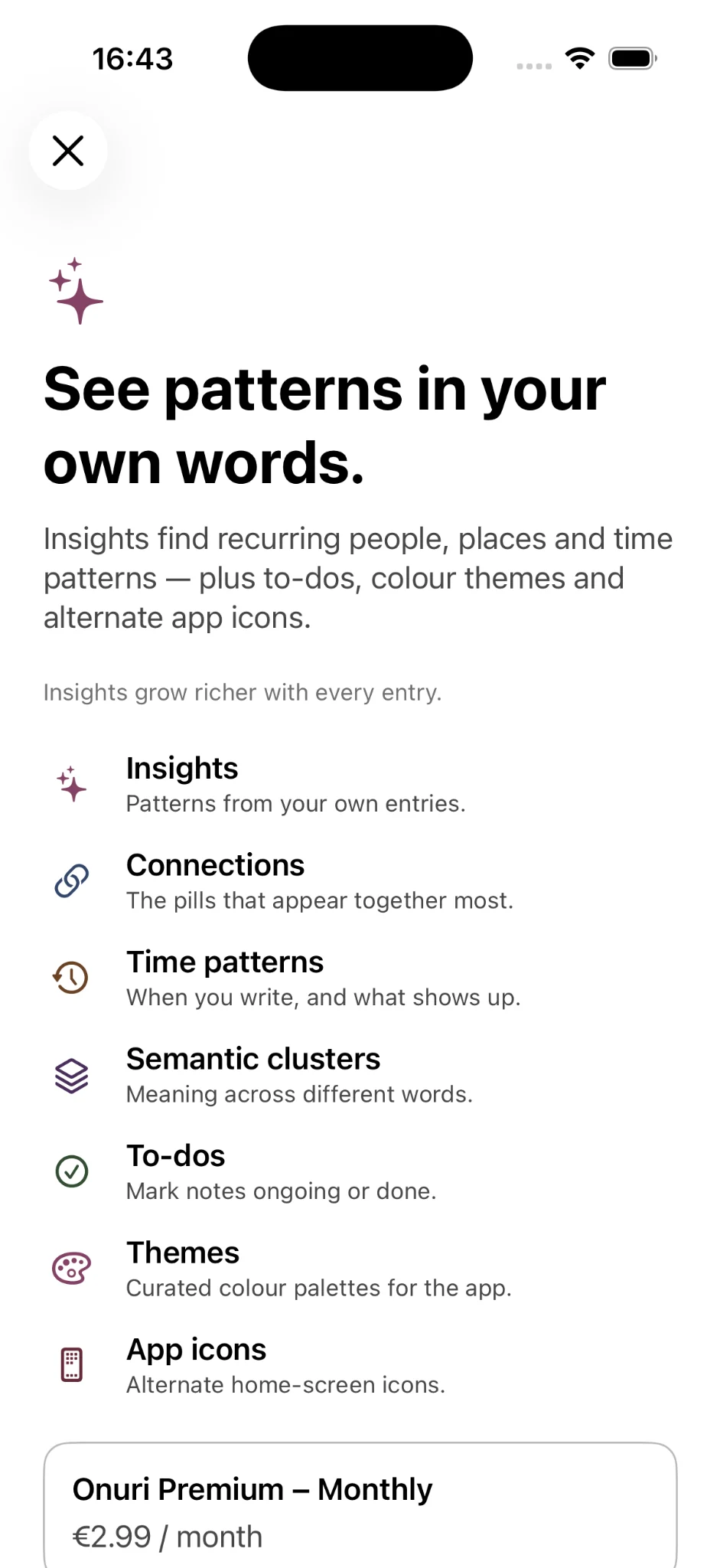
The new home screen puts recognised context and connected terms within reach, while Premium adds more ways to understand and personalise your writing.
Also improved
Version 2 improves note parsing, related entries, iCloud reliability, accessibility and localization across English, Japanese and Korean.
The v2 features in detail
A closer look at the main additions in version 2 and where you will find them in the app.
Recognised people, places, dates, times and topics now sit on the home screen. Tap one to narrow your history to the notes that mention it, then add a second filter to narrow further.
When you filter, Onuri shows terms that often appear in the same notes. They are a quick way to follow a thread you did not know was there.
Open any note to see others with a similar meaning. This helps when an older note used different words for the same idea.
The whole app now follows a light or dark appearance, free for everyone.
Mark notes that track something in progress and filter by status, useful for plans, projects and follow-ups written as ordinary notes.
Meadow, Dusk, Ocean, Ink and Blossom each come in light and dark variants, with a matching alternate app icon.
Yes. The v2 home-screen filters, connected terms, related entries and dark mode are part of the free app. Premium features are optional.
Onuri v2 runs on iPhone with iOS 17.6 or later and is available in English, Japanese and Korean.
Onuri remains private by design, with on-device processing, notes stored on-device and synced through your iCloud, and no ads, analytics or tracking in the app.
Get Onuri on the App Store